

hooks command manages event-driven hooks configured in .praisonai/hooks.json.
Install requirement:
praisonai hooks requires pip install praisonai (the full wrapper). On a standalone pip install praisonai-code install every hooks subcommand exits 1 with hooks requires the full wrapper. Install the full wrapper: pip install praisonai — a single-line hint, no Rich traceback (PR #2854).Quick Start
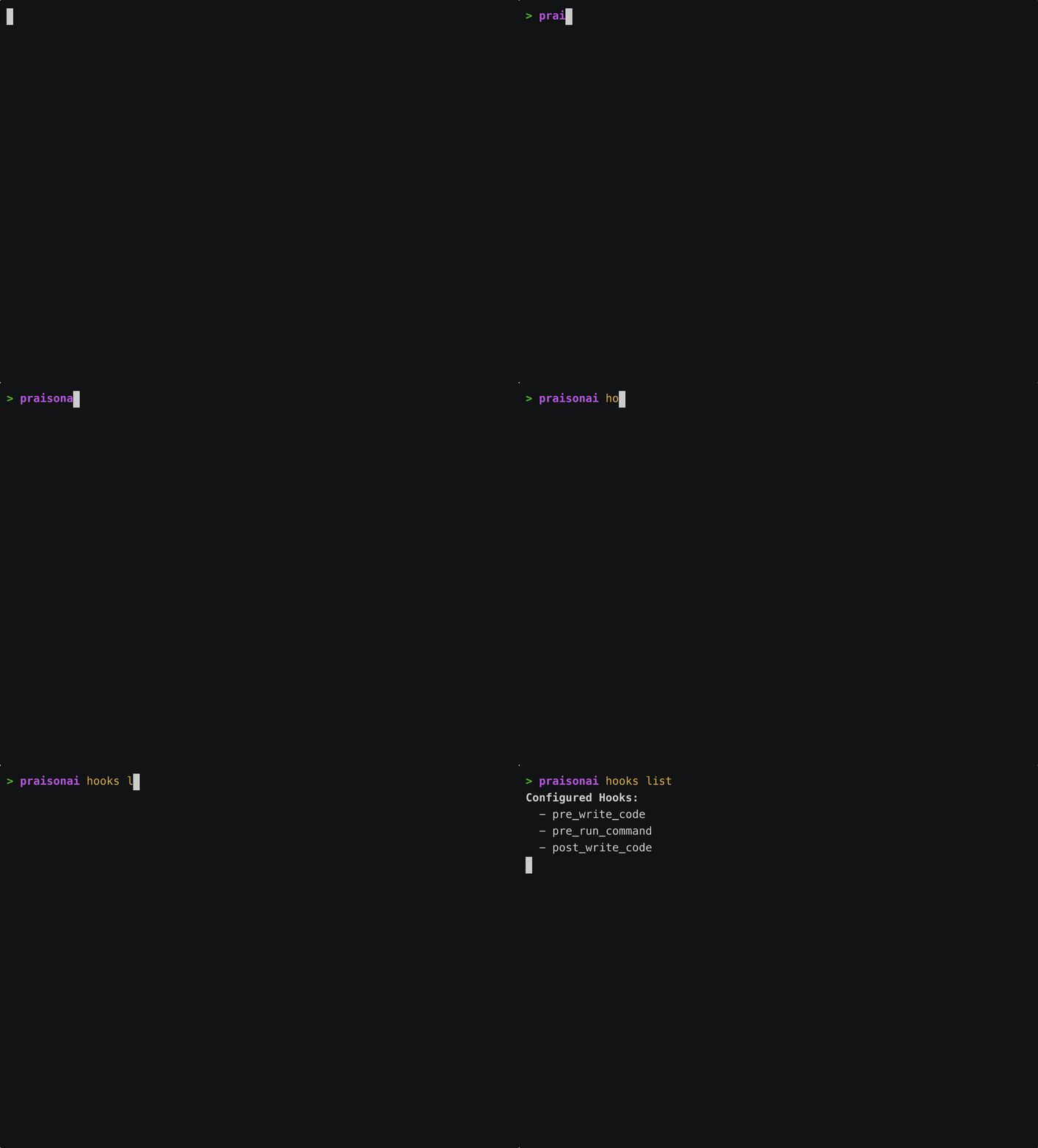
Usage
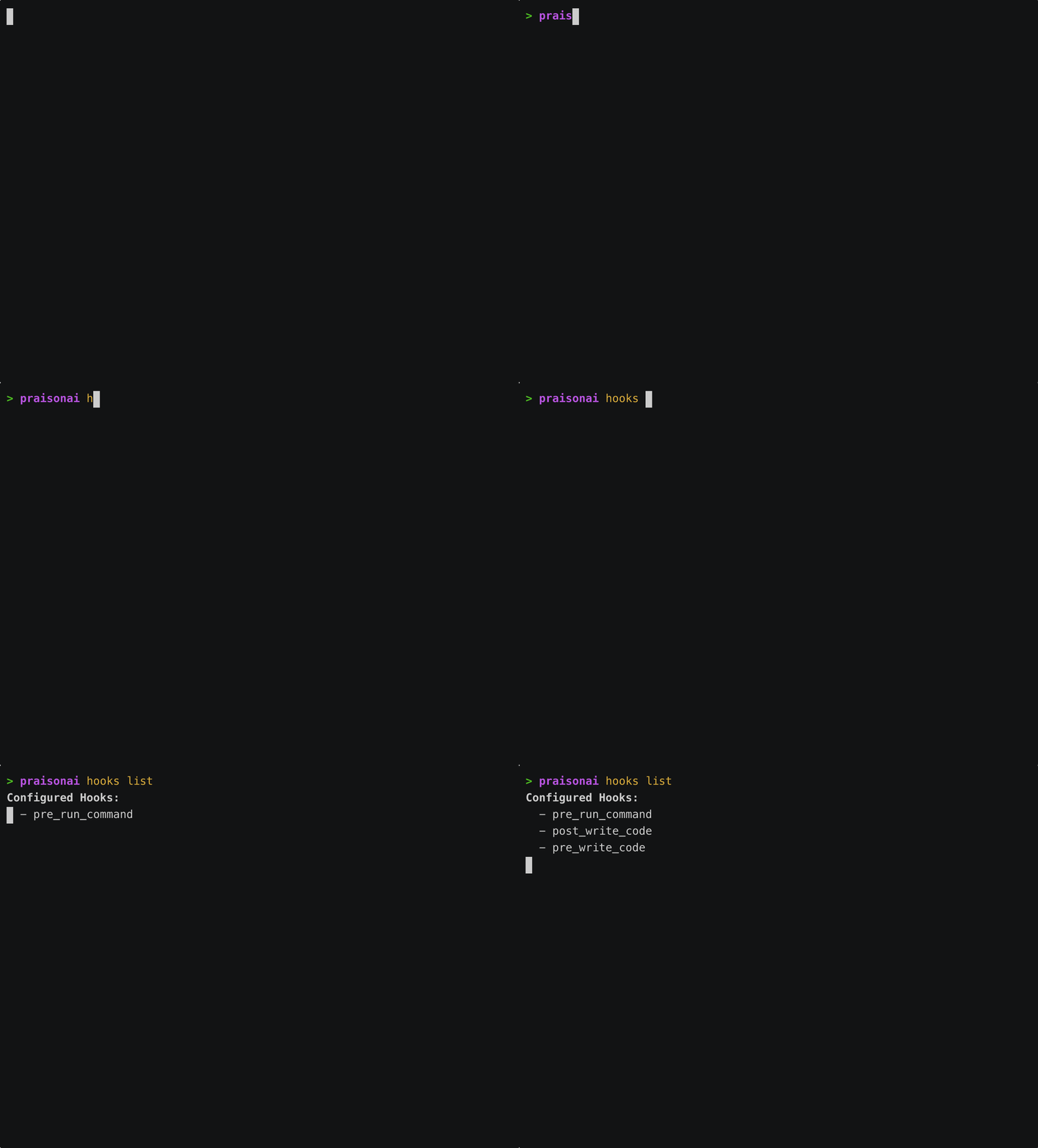
List Hooks
list prints an empty-state hint pointing at .praisonai/hooks.json.
Show Statistics
Initialize Hooks
.praisonai/hooks.json file.
The only Typer-registered actions are
list, stats, and init. The underlying handler also accepts help. There is no add or remove subcommand — configure hooks by editing the file hooks init creates.Hooks Configuration
hooks init writes this template to .praisonai/hooks.json:
Available Hook Events
Hook Types
Shell Hooks
Python Hooks
How It Works
The “event” below is triggered by whoever calls
HooksManager.execute() — this page documents the CLI-facing utility and its programmatic API. Inside an Agent/Task run, nothing calls it. For hooks that fire automatically around an Agent’s tool/LLM calls, use /features/hooks.- Load: Hooks are loaded from
.praisonai/hooks.json - Register: Hooks are registered for specific events
- Trigger: Events trigger corresponding hooks
- Execute: Hook commands/functions are executed with context
Context Variables
Hooks receive context variables that can be used in commands:Examples
Code Formatting Hook
Linting Hook
Command Validation Hook
Programmatic Usage
HooksManager is exported from praisonaiagents.memory, not the top-level package. The event fires only because your code calls .execute() — an Agent never does.
Best Practices
Related
- Memory HooksManager — the standalone utility this CLI wraps
- Live Agent Hooks — hooks that fire automatically around Agent tool/LLM calls
- Rules CLI
- Workflow CLI