

rules command manages auto-discovered instruction files that control agent behavior.
Quick Start
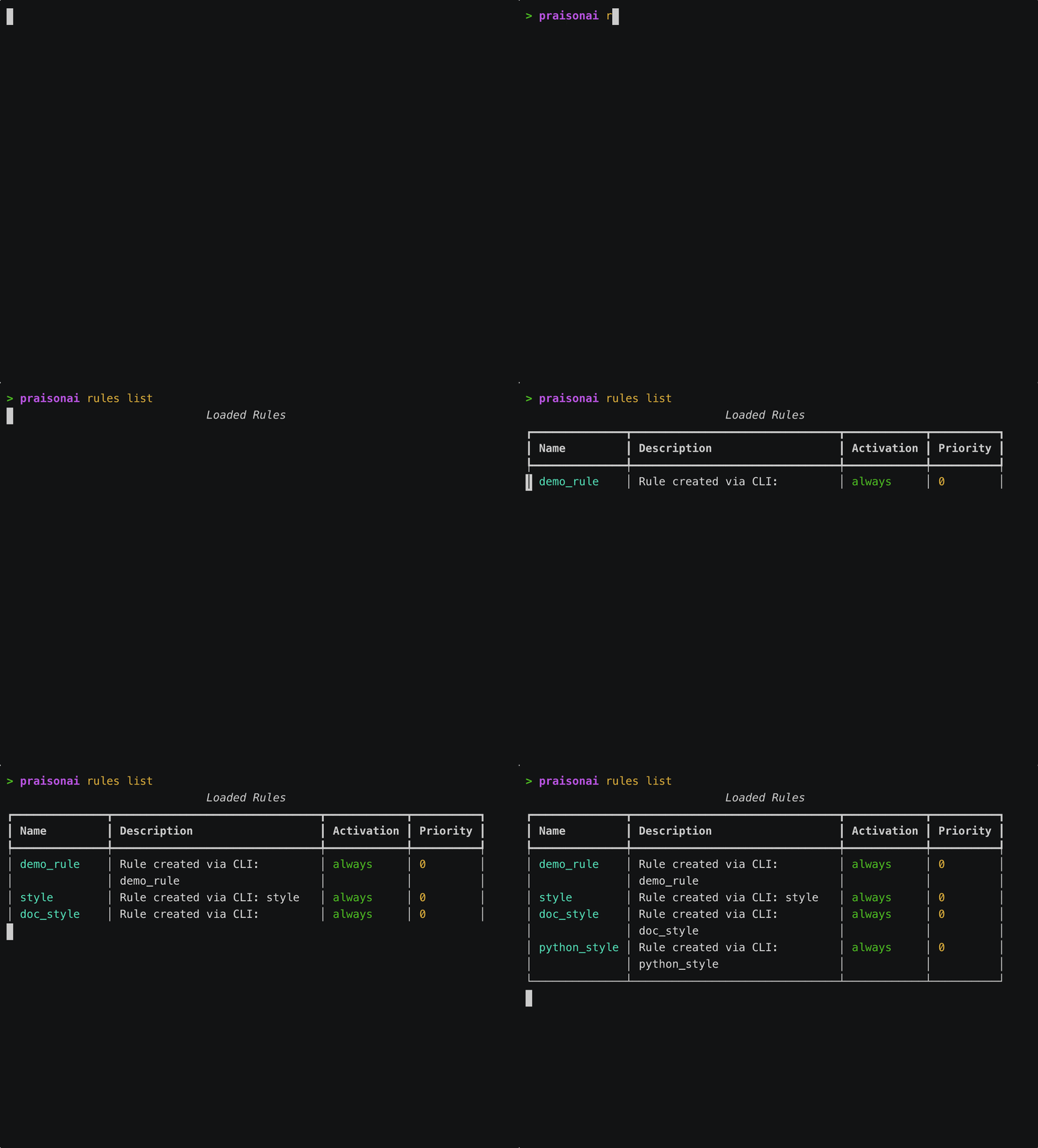
CLI Auto-Injection
praisonai run, praisonai chat, and bare prompts (praisonai "…", which route to run) automatically load project instruction files from the current directory (and walk up to the git root). Zero config required — drop an AGENTS.md into your project and every modern-engine invocation sees it.
Opt-out
Precedence
--no-rules(always wins)--include-rules <names>(manual list orauto)[rules] autoinconfig.toml- Default: auto-loading on
Size caps
Files over the per-file cap are truncated with a warning. Total context stops at
max_chars.
Verbose output
AGENTS.md, CLAUDE.md, PRAISON.md, GEMINI.md, .cursorrules, .windsurfrules) are listed — modular rules under .praison/rules/ and globals are loaded silently.
Usage
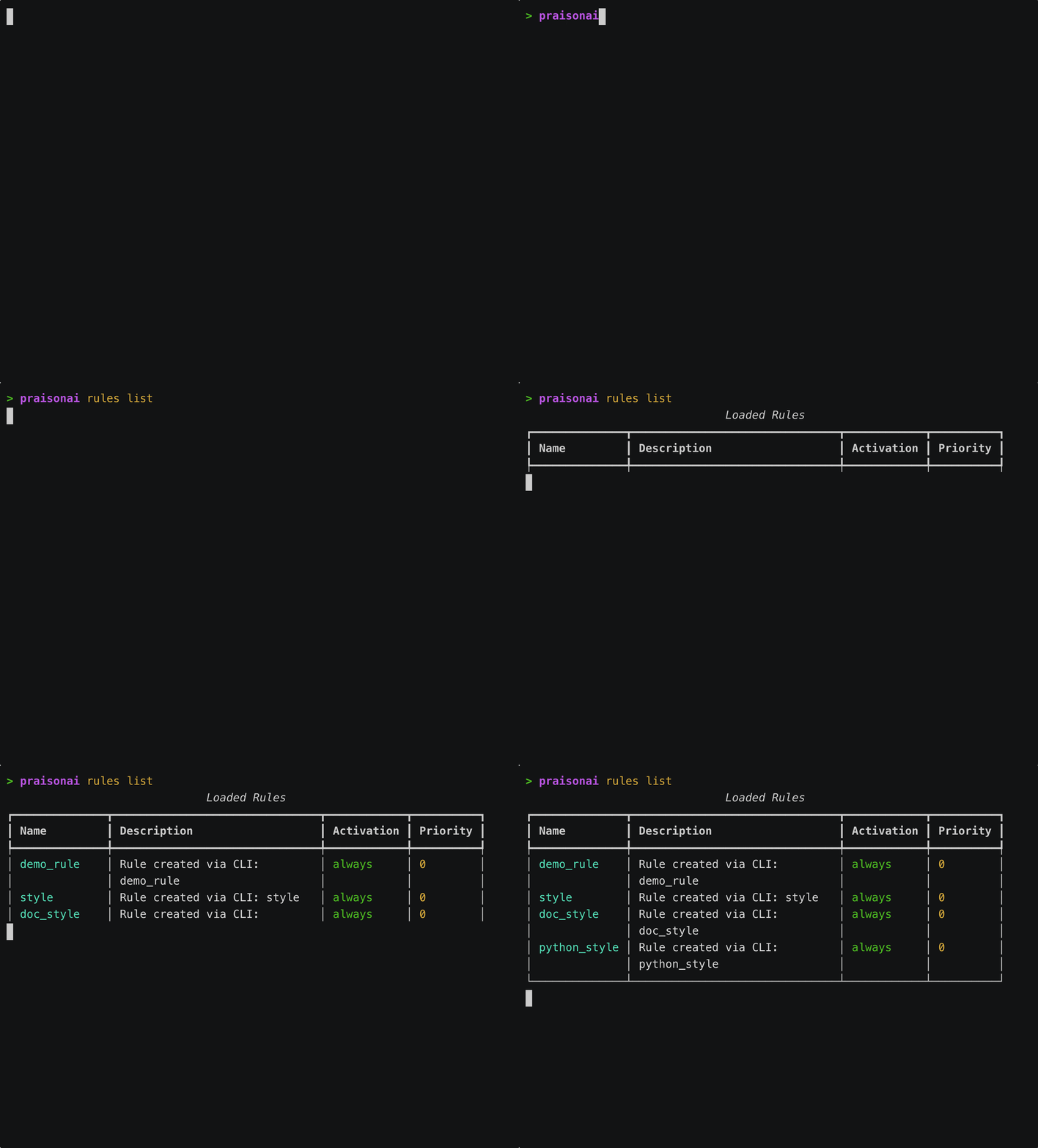
List Rules
Show Rule Details
Create Rule
Delete Rule
Show Statistics
Include Rules with Prompts
Auto-Discovered Files
PraisonAI automatically discovers instruction files from your project root and git root:~/.praisonai/AGENTS.md is loaded by load_context_files() as the lowest-precedence layer whenever walk_up=True (the default). It is separate from the modular ~/.praisonai/rules/*.md files loaded by RulesManager. See Context Files → CLI auto-loading for how chat, run, code, and tui automatically inject this context into the agent system prompt.Monorepos with per-subtree instruction files: see On-demand Subtree Attachment for why a sibling package’s
AGENTS.md only loads once the agent opens a file inside it.Rule File Format
Basic Format
With YAML Frontmatter
@Import Syntax
Reference other files in your rules:How It Works
- Discovery: Scans project root and git root for rule files
- Priority: Higher priority rules override lower priority
- Injection: Rules are injected into agent system prompts
- Activation: Rules activate based on globs or manual selection